
A personal work journal
Session
Remember what
you actually worked on.
Session captures your work as structured sessions — so you can recall, reflect, and ask your AI assistant anything about what you've been doing.
Have thoughts? Email us →The problem
Freelancers forget. And it costs them.
Not because they're disorganised. Because nothing captures work naturally. Notes are scattered. Memory fades. When a client asks what you did last month — or when it's time to invoice — you're rebuilding a story from chat history and calendar entries.
- 01 "What did I actually work on for this client last month?"
- 02 "Which of these sessions have I already invoiced?"
- 03 "Can you summarise what I accomplished this week?"
What a session looks like
Structured by default. Queryable forever.
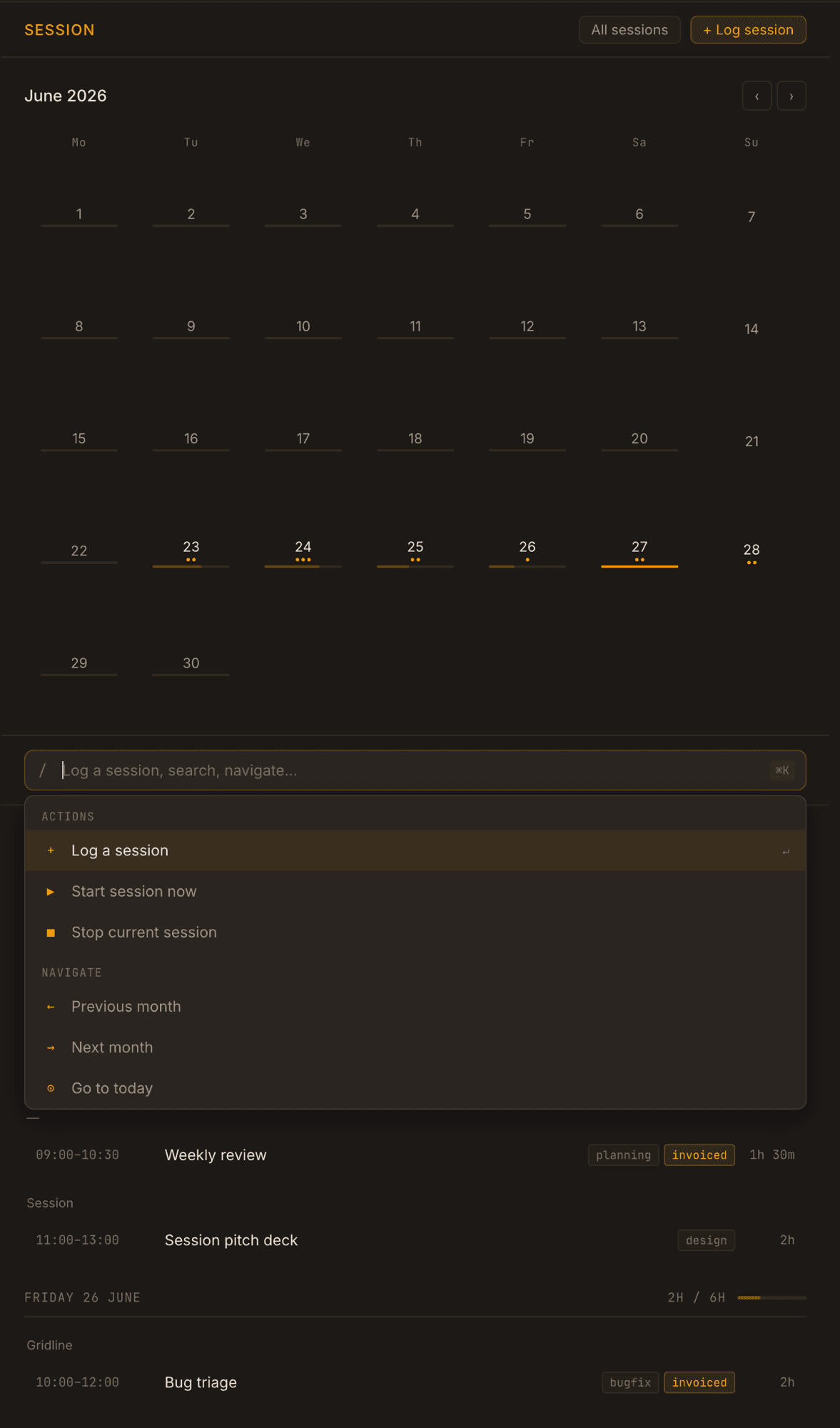
Every session has a start time, end time, title, tags, and notes. One optional field: project.
How sessions get in
A background analyst, not a form.
Session watches your signals — calendar events, GitHub commits, email threads — and infers what you worked on. At the end of each day it surfaces a short confirmation list. You approve, edit, or dismiss. Nothing is logged without you.
At the start and end of each week, Session surfaces a digest — hours logged, projects worked on, uninvoiced time — so you always know where you stand without opening a spreadsheet.
AI interface
Ask anything. Get a real answer.
Because sessions are structured data, any MCP-compatible AI assistant — Claude, ChatGPT, or others — can query your work history naturally. No prompt engineering. No data wrangling.
Principles
Built with constraints.
Designed for individuals. No organisations, managers, approvals, or employee monitoring. Ever.
If a feature mainly exists because companies need it, it doesn't belong in Session.
CSV and JSON export from day one. No lock-in. No advertising. No selling data.
AI works in two directions: in the background it infers sessions from your signals and asks for confirmation; via MCP, any AI assistant can query what you've built up. Invisible on the way in. Powerful on the way out.
Explicit non-goals
What Session will never be.
Scope discipline is a feature. If you need any of these, use a dedicated tool for it.
One job. Done well.
A freelancer opens Session, asks their AI assistant what they worked on last month,
and gets a useful answer in five seconds.
This is still an idea we're shaping. Tell us what you think.
Share your feedback